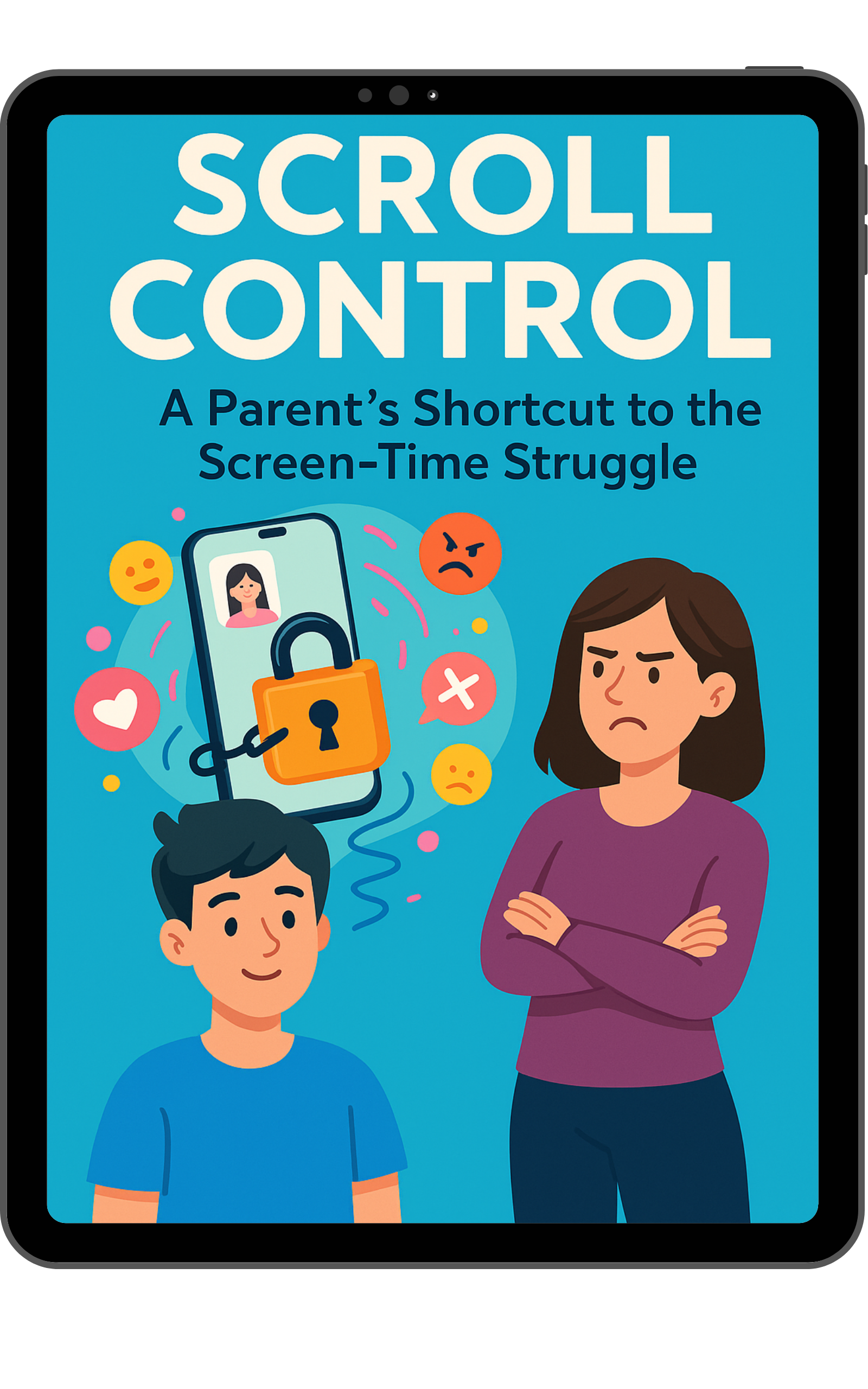
Fewer Phone Fights in 7 Days, Without Taking the Phone Away
Scroll Control
A Parent's Shortcut to Screen-Time Struggle
What You'll Learn Inside the Book
Why your teen's screen habits make more sense than you think, and how understanding what's really driving them can stop the next screen-time argument before it starts.
How to stop having the same screen-time argument on repeat with your child, and make better choices easier without more pushing, reminding, or negotiating.
What to say when your teen is glued to their phone, so it doesn’t instantly turn into eye rolls, shutdowns, or another argument.
How to create small wins that actually stick, so your teen starts making better choices without needing a reminder every five minutes.
How to tell if things are actually getting better, so you’re not left guessing, counting minutes, or playing screen-time detective.
100 Phone-Free Wins organized by personality type, so when your teen says “there’s nothing else to do,” you’ll never be stuck without an answer.
Who This Book is For
This book is for you if screen time has become one of the quickest ways for the whole house to get tense.
You don’t want every phone reminder to turn into attitude, silence, or another argument. You don’t want to yell. You don’t want to threaten. And deep down, you know the same old fights aren’t building the relationship or habits you actually want.
You just want a better way to handle screens without feeling like you have to choose between being too strict or letting everything slide.
Scroll Control is for parents and caregivers of tweens and teens who want a calmer way forward, one that protects the relationship while still helping their teen build healthier screen habits.
It’s for caregivers who want to stay authoritative without becoming a villain, and who care just as much about emotional regulation, trust, and connection as they do about limits.
Scroll Control is especially helpful if you’re parenting a tween or teen (roughly ages 10–18), if you feel like phones have changed the “vibe” of your home, or if you want a research-informed approach that still feels human, realistic, and doable on a regular Tuesday night.
What Readers Are Saying
About the Author
Dorian, aka The PHuncle (The Public Health Uncle), is an adolescent health expert with a Master of Public Health (MPH) who helps families navigate the challenges of growing up in a digital world
He kept seeing the same pattern in homes everywhere: the phone becomes the problem, the conversation becomes a fight, nobody feels better, and everyone ends up right back there again.
Most screen-time advice creates a false choice: be stricter or give up. Neither solves the real problem.
Because the goal isn’t just less screen time. It’s helping teens build healthier habits without damaging trust, connection, or the relationship that matters most.
That’s why he created Scroll Control: a practical guide for parents who want a calmer way forward while helping their teen build healthier screen habits.
The PHuncle has been featured in Parents, SheKnows, Ebony, and The Tamron Hall Show, and is a certified Digital Thriving Educator through Harvard's Center for Digital Thriving.
His work helps families with teens thrive in the modern age, and his digital wellness content has reached millions of parents, caregivers, and educators online.

Frequently Asked Questions